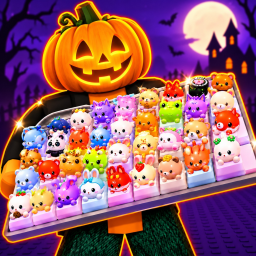
Custom Keyboards! Codes (November 2026)
Working Custom Keyboards! codes
No active codes for Custom Keyboards! are confirmed as of Nov 1, 2026. The developer's description does not currently list any codes either. We re-read the game's description every day, so new codes posted there appear here automatically.
How to redeem codes in Custom Keyboards!
- Open Custom Keyboards! on Roblox and wait for the game to load fully.
- Look for a Codes, Gift, Shop or Twitter/X bird button. In most games it sits on the left or top edge of the screen, sometimes inside the Settings menu.
- Type or paste the code exactly as written. Roblox codes are usually case-sensitive, so
SUNNYandsunnyare not the same. - Press Redeem or Enter. The reward lands in your inventory or currency balance right away.
- If a code says invalid or expired, double-check spelling and spaces. If it still fails, the developer has retired it.
Some games require you to join the developer's Roblox group or reach a level before the codes button appears. The in-game description usually says so.
Where to find new Custom Keyboards! codes
Kick a Keyboard publishes Custom Keyboards! updates on Roblox, and the game description is the first place new codes appear for most titles. The developer's community links are shown inside the game's Roblox page under Social Links. Follow those and turn on notifications for update posts. Codes also tend to drop when the game crosses a round number of likes: Custom Keyboards! currently has 10,475 likes and 8,207,895 visits.
Bookmark this page. It is rebuilt daily from Roblox's own data, and any code the developer adds to the description is picked up on the next build.
Frequently asked questions
Are there any working Custom Keyboards! codes right now?
No working Custom Keyboards! codes are confirmed as of Nov 1, 2026. Check back after the next update: developers usually release codes when a game hits a like or visit milestone.
Where do Custom Keyboards! codes come from?
Developers post codes in the game description, in their Roblox group, and on Discord, X (Twitter), TikTok and YouTube. Codes listed from the description are read directly from Kick a Keyboard's own text on Roblox.
Why does a Custom Keyboards! code say invalid?
Either the code expired, you typed it in the wrong case, or the game needs you to meet a requirement first, such as joining the group. Codes are often single-use per account too.
How often do new Custom Keyboards! codes come out?
There is no fixed schedule. Milestones like 100,000 likes or 100,000,000 visits and major updates are the usual triggers. Custom Keyboards! was last updated today.